

6 min read
The Public Cloud Is Not Your Server (Your Invoice Knows it, Too)
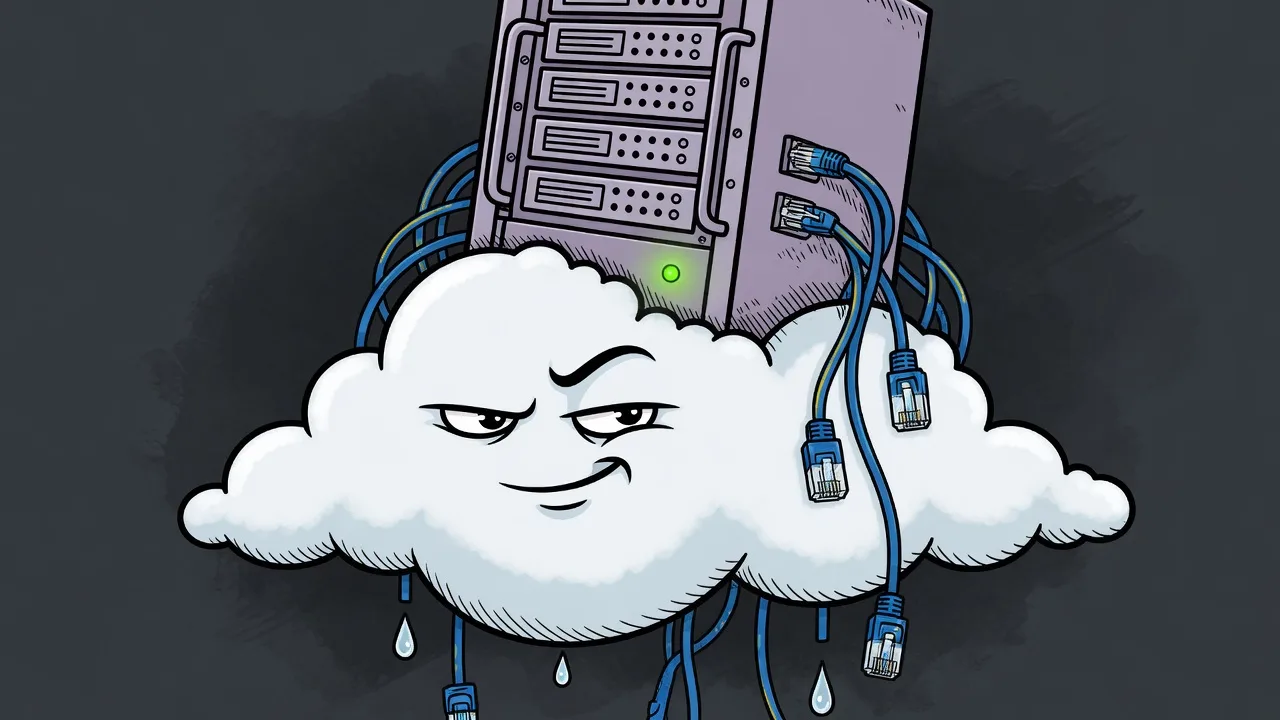
Somebody in the meeting says “just put it in the cloud,” and the room nods like that settled it. It didn’t. They might mean a hyperscaler’s console. They might mean a virtual machine that isn’t under someone’s desk. Those are different products, with different neighbors, and very different invoices.
First, what the two words actually mean
Public cloud is a platform you rent by the minute from a company that runs it for thousands of other customers. Amazon, Google, Microsoft, and the rest. You get an API, a menu of services, and a bill that itemizes things you didn’t know were billable. You do not get a machine. You get a slice of a machine, behind their proprietary control plane, in a region you picked from a dropdown.
Private cloud is a resource pool or bare metal server reserved exclusively for you. You choose the hardware, the hypervisor, and who else is allowed in the room. That can be a rack of your own gear humming along in your uncomfortably warm supply closet. It can also be a Smart VPS or a dedicated server in a facility that already has the power, the cooling, and the network to keep it running 24x7. Simpler. Plainer. Predictable. Setup is pretty painless, and the price is, too.
Public vs. Private cloud isn’t a moral judgement. It’s a question of which kind of landlord you want.
The tale of the tape
| Public cloud | Private cloud | |
|---|---|---|
| What you rent | A platform, metered as you go | A server, or a VM on one |
| Neighbors | Whoever the scheduler sat next to you | You, and whoever you invited |
| The bill | Depends on usage. You’ll find out next month. | Predictable every month |
| Root | Through their console, on their terms | All yours, including the out-of-band KVM |
| Best at | Burst, quick deployment, many regions | Steady workloads, prices you can read |
| Worst at | A workload that just sits there and runs | Impersonating AWS or Azure |
Both options have benefits and drawbacks. So what do you need to know before you turn an IT intern loose with an AWS account and a credit card?
1. Noisy Neighbors: the computer next door you hope you never meet
We’ve all experienced living next door to those neighbors you really like, except when they’re throwing a raging house party at 2AM on a Thursday. On a public cloud, your instance shares a host with strangers. Like it or not, you both live in the same neighborhood. Most days you never meet them. Some days one of them discovers a tight loop, a crypto miner, or a traffic spike, and your CPU steal time becomes an adventure. The provider will sell you a bigger size. That is a real fix. It is also how the meter learns your name.
A private resource pool is boring on purpose. A KVM virtual machine with fixed, dedicated resources is isolated from the account next door. A dedicated server skips the sharing entirely: the CPU, the memory, the disks, and the port are yours. When something is slow, you are looking at your own process list, not opening a ticket about a neighbor you never wanted to meet in the first place.
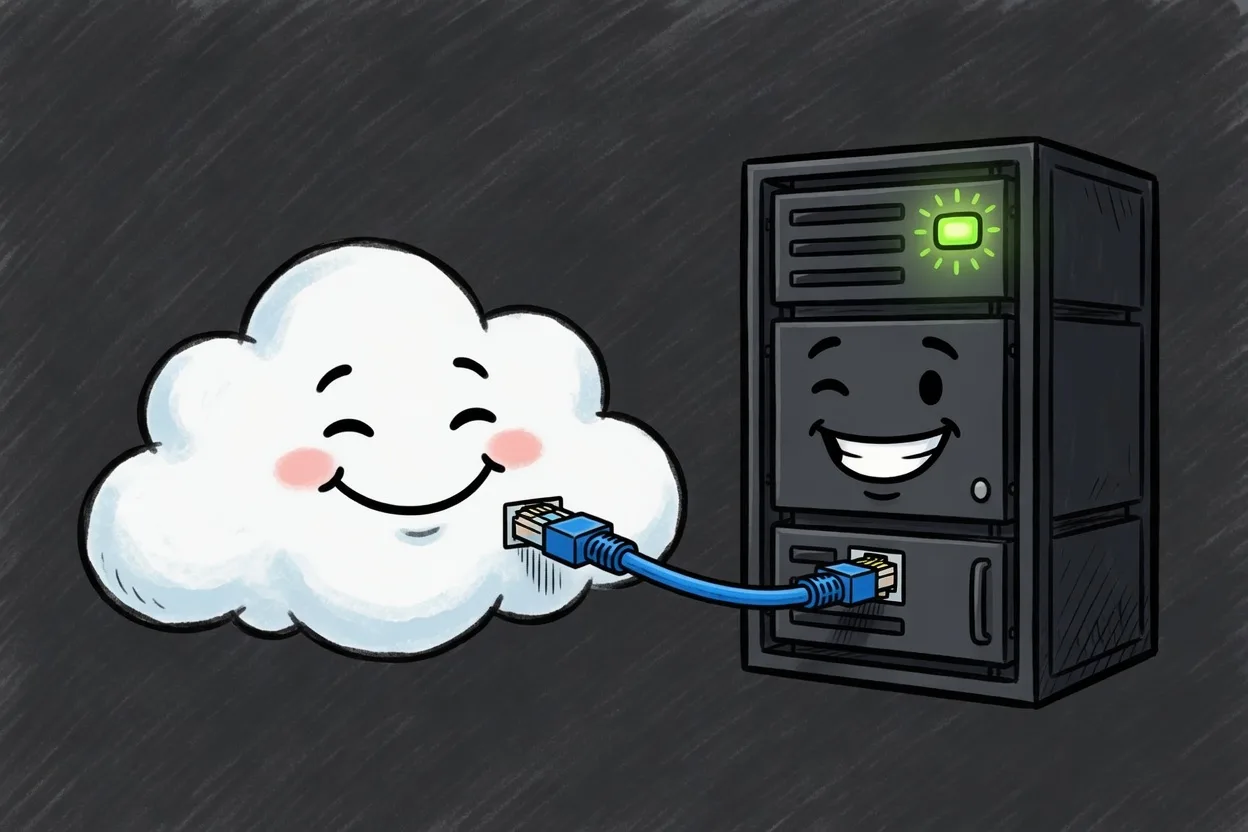
2. The bill: elasticity is great a feature until it isn’t
Public cloud pricing is honest in the small and surprising in the large. The instance is the cheap line. The plot twists are egress, load balancers, managed disks, NAT gateways, and the API call you put in a loop because it was easy. None of that is a scam. It is the product. You pay for a platform that can grow an order of magnitude before lunch.
That is a terrible deal for a workload that does the same thing every Tuesday.
Private cloud pricing is predictable and understandable. The monthly number is the monthly number. A Versaweb Smart VPS starts at $4.99, on AMD Ryzen, with NVMe, unmetered bandwidth, and DDoS protection included. The node behind it has a 10G uplink. Your port is 1Gbps. If you outgrow the VM, you step up to a dedicated server in Las Vegas or Seattle and take the whole box. You will not get a line item for “existing.”
3. Control: a console is not the same as a keyboard
Public cloud gives you a very good remote control for the TV they are selling you. IAM, images, autoscaling groups, infinite object storage, a network drawn in JSON. For a team that wants to treat infrastructure as code, that control plane is the point. But that remote control only works on their TV. You are one API change, one deprecated instance type, or one region outage away from discovering how much of your setup depends on pushing the right buttons when you set up your account.
Private cloud gives you the machine. On a Smart VPS that is an HTML5 console when SSH is having a day. On a dedicated server it is the hardware with IPMI remote management you can access any time you want. You install what you install. You reboot when you decide to. Nobody renames your instance size out from under a Terraform module you wrote in 2022. You still get an API if you want one, but you get to program the remote control instead of QVC being launched every time you touch the wrong button.
4. Public cloud is often the right call for many workloads
Use it when the shape of the work is the shape of their catalog.
- You need to be in several parts of the world this quarter, and you do not want to build that network.
- The spike is real. Black Friday, a launch, a dataset that shows up once. That one time your company bought a commercial spot during “The Big Sportsball Game” (we can’t use the other name). Paying for the peak and releasing it is cheaper than owning the peak.
- You want a managed database, load balancing, a queue, or an object store, and you have done the math on running those yourself. Sometimes their version is the correct laziness.
If that list is your whole business, stay. The public cloud was built for you, and the invoice is just another line on the budget.
5. Private cloud is the right call when the work just runs
Use it when the server has a job and the job has a size.
- The load is steady. A store, a panel, a game server, a handful of APIs, mail, the thing your customers actually log into when sending you money.
- You need to budget for next month’s bill before the meter starts running, not six weeks later when finance forwards it with a question mark.
- You want root, a console, and a disk that is still a disk, instead of 7 services that communicate over 11 API’s but still won’t allow 3 of their compute regions to serve your content without 5 additional on-ramps, all to keep your Pokemon collectors blog from crashing.
A VM is ready in a few minutes. A dedicated server is the same idea, with or without the hypervisor in the middle. Both live on a network we operate, in buildings that are built for computers. That is the whole pitch. It fits in 3 sentences because the product is that easy to understand.
So which version of the sentence did that person really mean?
If they meant “make it someone else’s platform, and let the meter run,” that is public cloud. Sign up, build it in their console, and make sure you have a calculator handy when you try to double-check the bill.
If they meant “get this out of the supply closet and onto a machine we can see,” that is private cloud, and you already know what it costs. Start with a Smart VPS. When the VM is the thing in the way, step up to a bare metal server.
The cloud was never the hard part. Deciding whose computer it is, and whether you want a surprise at the end of the month, is the hard part.